

In 2025 Microsoft rebranded and reorganized tools. This article will explain the changes made, what Copilot is and where you can find it.
Microsoft 365 Copilot
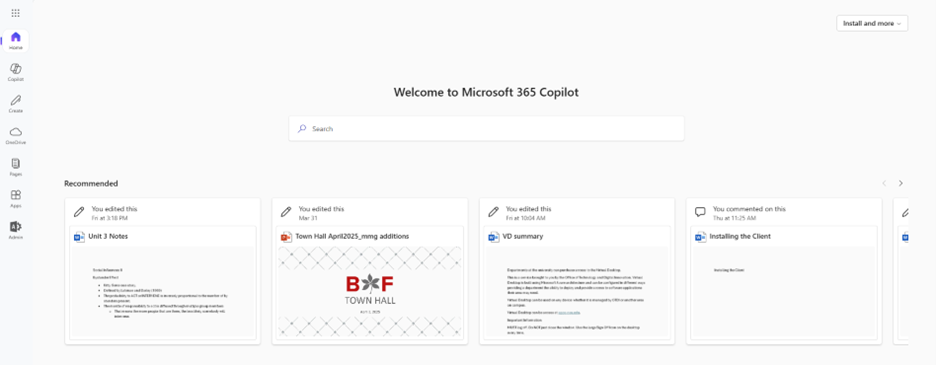
This is the name of what was once called Microsoft Office, Microsoft Office 365, Microsoft 365 or the Microsoft 365 App. Look at Microsoft 365 Copilot as a landing page, that holds the tools and services that are provided with a Microsoft account. Access Microsoft 365 Copilot at http://it.osu.edu/microsoft-365.
Microsoft 365 Copilot Chat
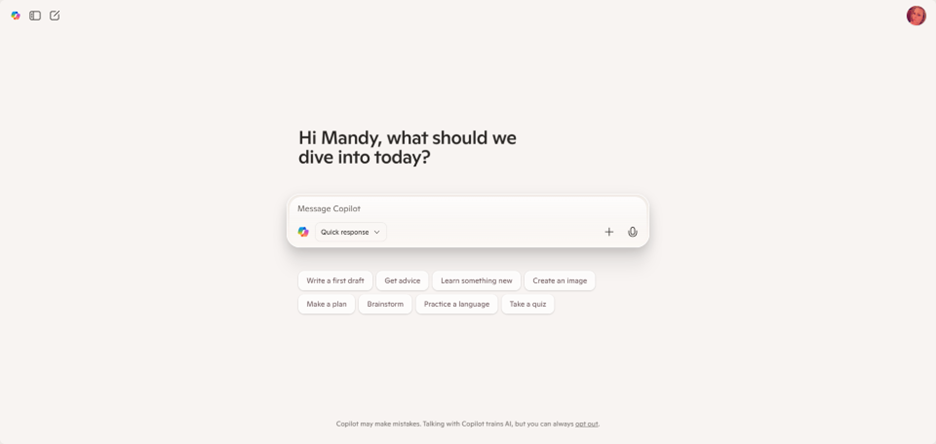
There are multiple versions of Copilot, which is an AI chatbot, available. The free open version that everyone has access to is available at: copilot.microsoft.com. This is not protected. If you log into this Copilot using your Ohio State username and password you will be brought to your Microsoft 365 account with the university.
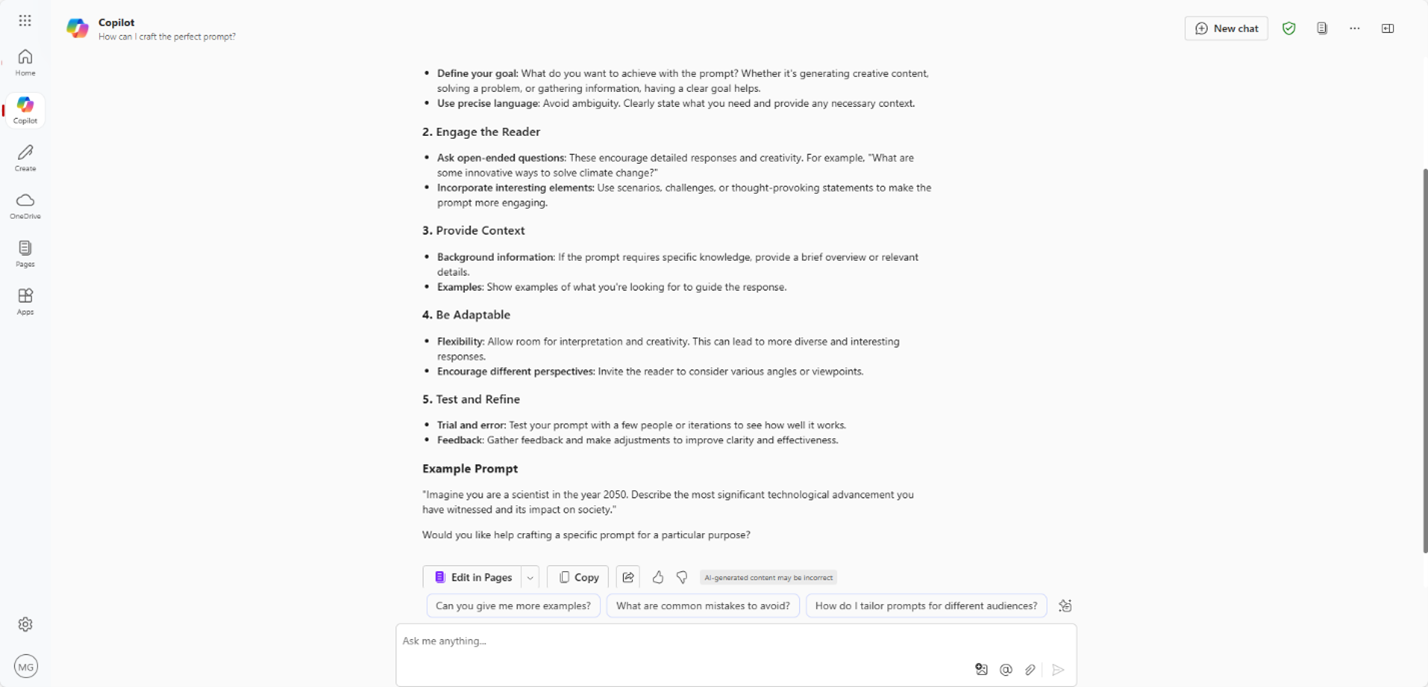
Within the Microsoft Copilot 365 account provided by the university there is Copilot AI chat. This is a protected version of Copilot. This was previously called Copilot with Data Protection. This is accessed by logging into the web portal http://it.osu.edu/microsoft-365 and clicking the Copilot

icon in the navigation panel on the left.
Learn more at https://admin.resources.osu.edu/microsoft-365/copilot-chat.
Microsoft 365 Copilot Full License
This may also be called Copilot in App in some locations within Microsoft’s help documentation. There is also documentation for Copilot Pro which is for commercial use not educational. It is similar to Full License but there are minor differences so please keep that in mind if you are looking at documentation on Microsoft's website.
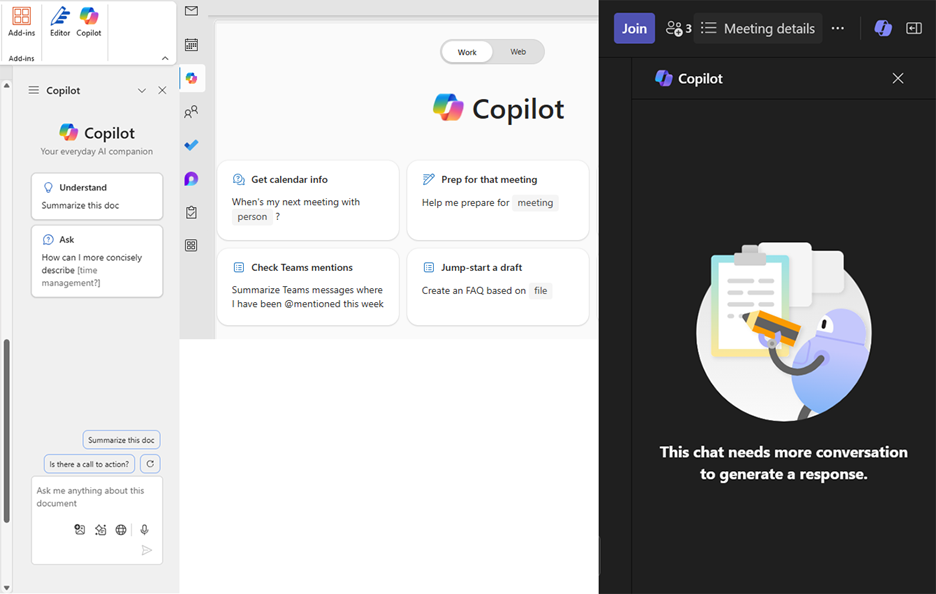
Microsoft 365 Copilot Full License is a version of Copilot that exists within each of the different Microsoft applications. This Copilot functions within the application. It can be used within either the desktop versions or the web versions of the applications. This is only available at an additional cost.
Learn more at https://admin.resources.osu.edu/microsoft-365/microsoft-365-copilot-in-app.
Last modified: May 5, 2025